🖼️ Output Formats#
localtileserver supports multiple output image formats beyond the standard
PNG and JPEG. This is useful for different downstream workflows – from web
display to GIS analysis.
Supported Formats#
Format |
Extension |
Description |
|---|---|---|
PNG |
|
Lossless compression with alpha channel support. Best for visualization where transparency matters. This is the default. |
JPEG |
|
Lossy compression, smaller file sizes. Best for natural imagery (RGB photos) where slight quality loss is acceptable. |
WebP |
|
Modern format with both lossy and lossless modes. Smaller files than PNG with better quality than JPEG at comparable sizes. |
GeoTIFF |
|
Georeferenced TIFF. Use this when you need to download tiles or subsets with spatial reference preserved for use in GIS software. |
NumPy |
|
Raw NumPy array. Useful for programmatic access to raw pixel values for scientific computing workflows. |
Usage#
Change the output format by using the encoding parameter on tile or
thumbnail methods:
from localtileserver import examples

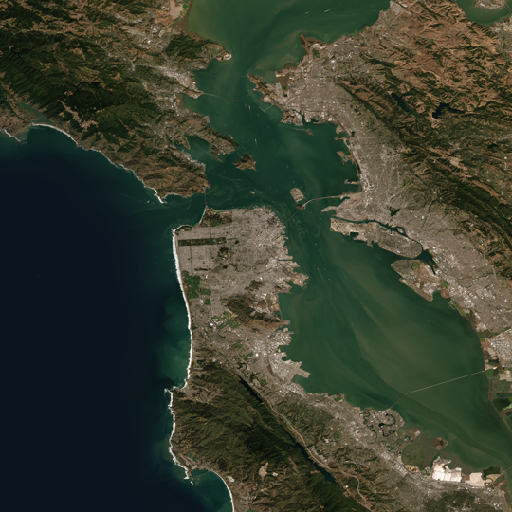
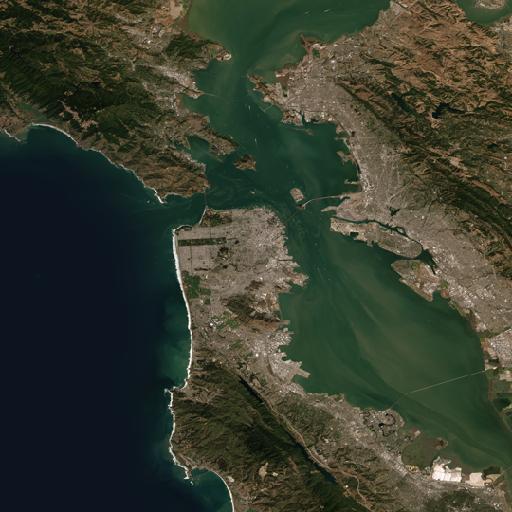
client = examples.get_san_francisco()

# Get a PNG thumbnail (default)
client.thumbnail(encoding='png')
# Get a JPEG thumbnail
client.thumbnail(encoding='jpeg')
REST API#
Simply change the file extension in the URL:
# PNG tile (default)
GET /api/tiles/10/163/395.png

# JPEG tile
GET /api/tiles/10/163/395.jpeg

# WebP tile
GET /api/tiles/10/163/395.webp

# GeoTIFF tile
GET /api/tiles/10/163/395.tif

# NumPy array tile
GET /api/tiles/10/163/395.npy

# Thumbnails follow the same pattern
GET /api/thumbnail.webp?filename=geo.tif
GET /api/thumbnail.tif?filename=geo.tif
Note
GeoTIFF and NPY formats are primarily useful for data access workflows rather than visual display. WebP provides the best balance of file size and quality for web visualization.